Introduction
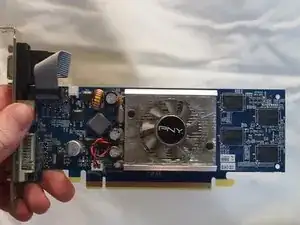
In this guide, it will walk you through how to replace the graphics card in your Dell Inspiron 530 DCMF.
The graphics card is responsible for rendering images, videos and any animations on your computer. The higher quality of graphics card, the higher the resolution images and videos will appear.
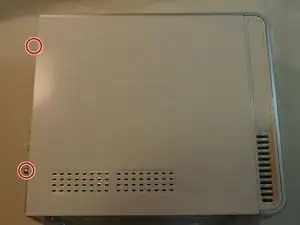
Be sure to power off the desktop and remove all sources of power before going about replacing your graphics card.
Tools

-
-
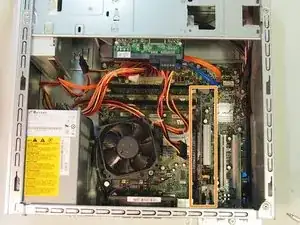
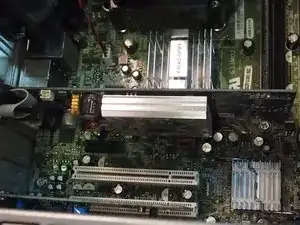
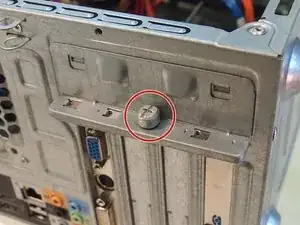
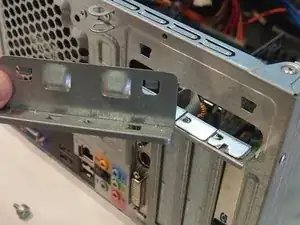
Locate the graphics card. It can be identified by its position on the motherboard and built-in fan.
-

Conclusion
To reassemble your device, follow these instructions in reverse order.

One comment
The one I am working on has on board video.... help? (DCMF)