I often get the problem when this or that alias name is already used somewhere, and I can't easily find that variable or aggregation to release the name.
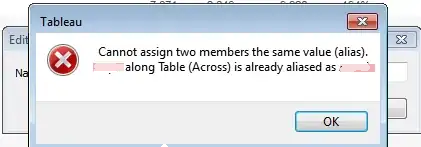
Is there some place in Tableau where I can view/edit/reset full list of aliases?
I often get the problem when this or that alias name is already used somewhere, and I can't easily find that variable or aggregation to release the name.
Is there some place in Tableau where I can view/edit/reset full list of aliases?

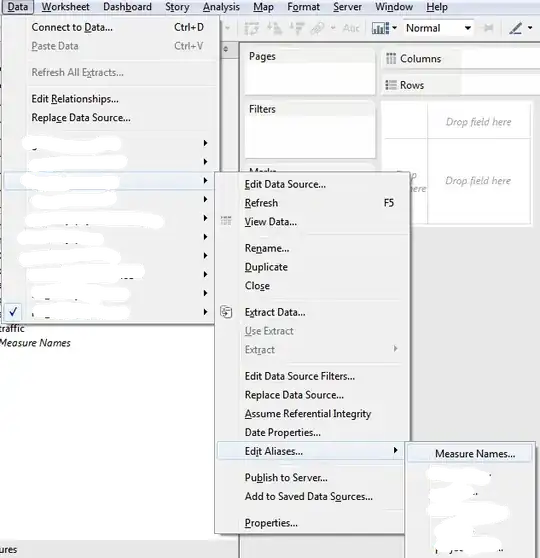
Finally solved the issue. You should go to:
Data –> your_data_source –> Edit Aliases –> Measure Names
And see full mapping between variables/aggregations and aliases.
Another way of editing alias for a member having multiple aliases:

