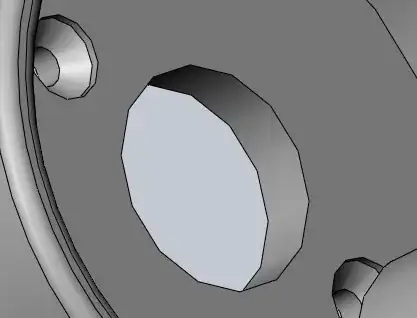
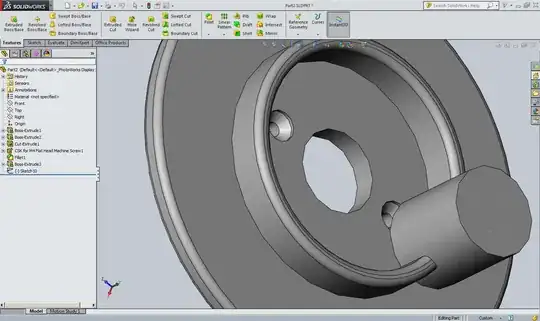
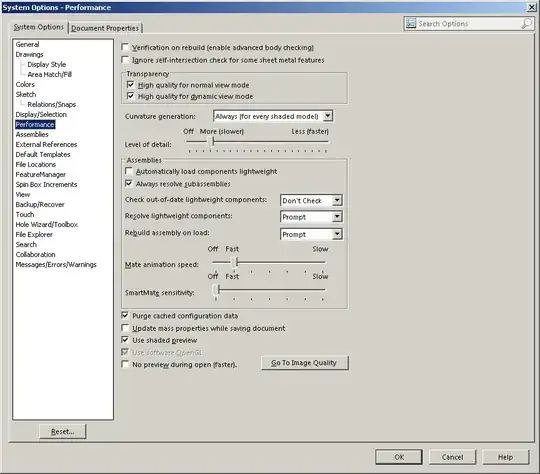
Yes, this is normal. By default, SolidWorks renders curves on the screen using less than the highest possible level of detail that your monitor is capable of displaying. The point of this is to allow the screen to be redrawn quickly as you edit your design and change the view. The more detailed the curve, the longer it takes to redraw the screen; depending on your hardware, this could make the software feel unresponsive or "laggy" and make it harder to use.
You can adjust the Image Options in the Document Properties tab to render curves with more detail; see documentation here and this screenshot from the API help pages:
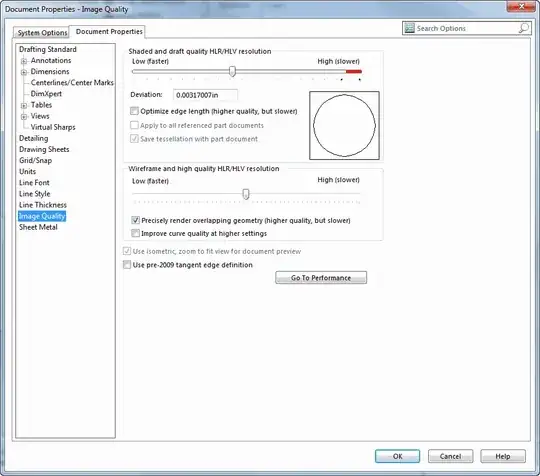
The slider at the top of the window controls how precisely curves are drawn:
- Low - High (slower) and Deviation: (For assemblies, available only if Apply to all reference part documents (below) is selected.)
The slider controls the image quality resolution, and Deviation is the
maximum chordal deviation in effect. Move the slider or type a value
in Deviation. The slider setting and deviation value are coupled and
are inversely proportional.
If all you're concerned about is confirming that your circle is actually a circle even when it is rendered with corners, you may not want to increase this setting, as it will have a negative impact on performance.